Wybór rodzaju środowiska
Selecting this option is possible only during the first installation of the site; therefore, this step is marked with an asterisk as configuration‑dependent. By default, the Development option is selected. This option is also applied to sites upgraded from nAxiom versions earlier than 1.8. The remaining options are Test and Production.
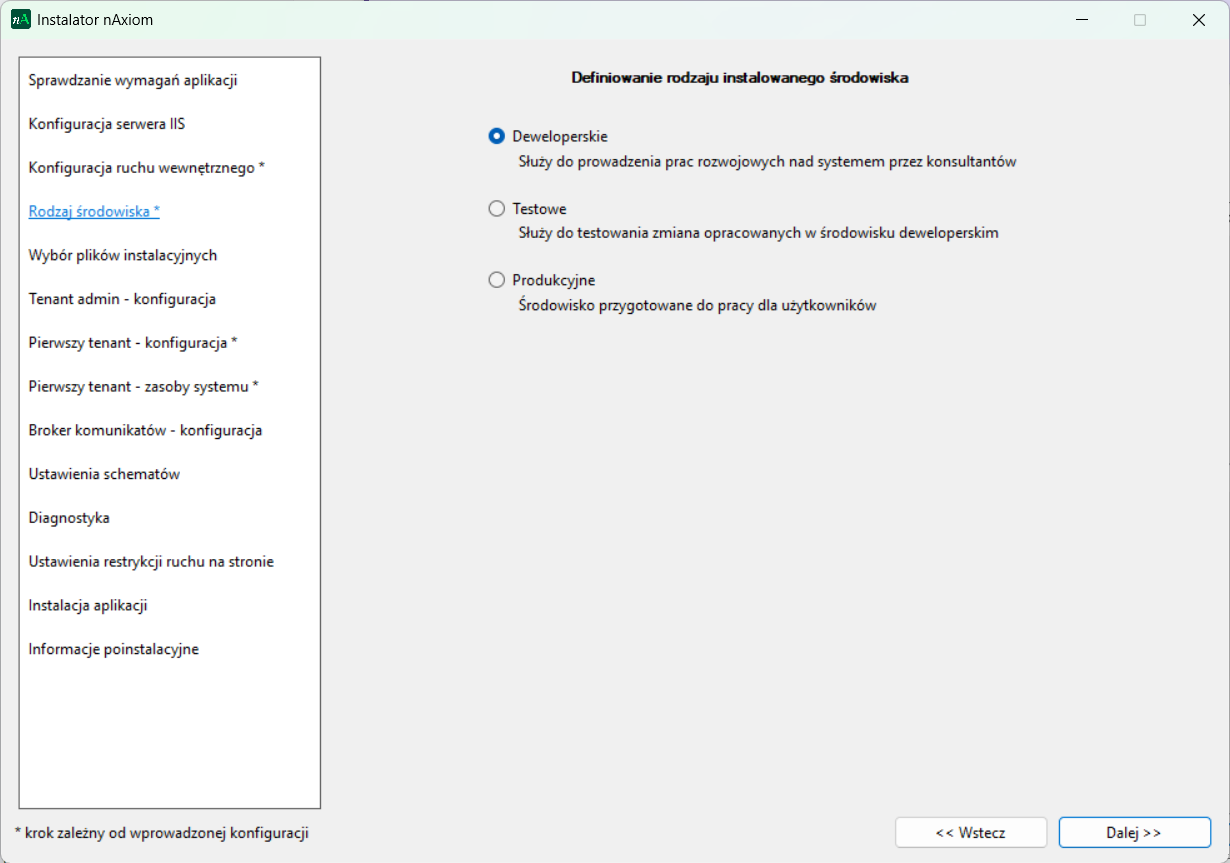
The settings related to the selected environment type are stored in the appsettings.json files for the following services:
api, auth, taskservice, tenantsapi, publicapi, mobileapi, bpmnapi, and executorapi,
under the Environment key{:#np-10772}.
Supported values are:
_Development__Test__Production_
By changing this value in the configuration files, the environment setting for the site can be updated. Applying this change requires restarting the site (via IIS Manager).
For nAxiom deployments based on Docker images, this change can be made using the appsettings-custom.json files (see the article: Wdrożenie nAxiom z obrazów Docker).
Example configuration:
"AppConfiguration": {
"Environment": "Test"
}
In development and test environments, the site is marked with a colored bar at the top of the browser window displaying the environment name (both front office and back office).
The production environment has no visual indicators.